PNG Files
Portable Network Graphics
PNG is a data directory which
contains examples of files in the PNG or "Portable
Network Graphics" file format.
PNG files can do a good job of showing
both line graphics (what
PostScript files do best), and bit-mapped graphics (which
are commonly handled by JPEG
or GIF files). Most
web browsers support the PNG format, which makes it easy to
include pictures directly in a web page.
A sequence of PNG files can be converted easily into an
animation, using QuickTime Pro. Two important things to
remember: the individual frames should all use the same
scale, and the files should have names that are consecutive,
as in picture001.png, picture002.png and so on.
PNG File Characteristics:
-
binary
-
Color (24 bit)
-
2D
-
Lossless compression
-
1 image
Licensing:
The computer code and data files described and made available on this web page
are distributed under
the GNU LGPL license.
Related Data and Programs:
PNG_CRC,
a C++ program which
computes the CRC (cyclic redundancy checksum) for a
PNG graphics file
(or any other file, for that matter);
Reference:
-
The PNG Home Page at
http://www.libpng.org./pub/png/
-
David Duce, editor,
Portable Network Graphics (PNG) Specification,
Second Edition.
Technical Report REC-PNG-20031110,
World Wide Web Consortium, 2003.
-
Greg Roelofs,
PNG: The Definitive Guide,
O'Reilly, 1999,
ISBN: 1-56592-542-4,
LC: T385.R588.
Sample Files:
-
ajou_logo.png,
a logo for Ajou University, in Suwon, Korea;
-
all_gray.png,
a tiny monochrome image;
-
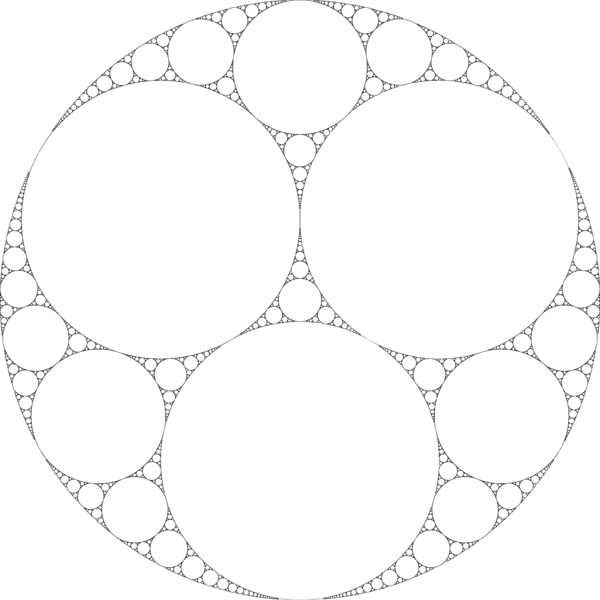
apollonian_gasket.png,
an image of the fractal shape known as the Apollonian gasket.
-
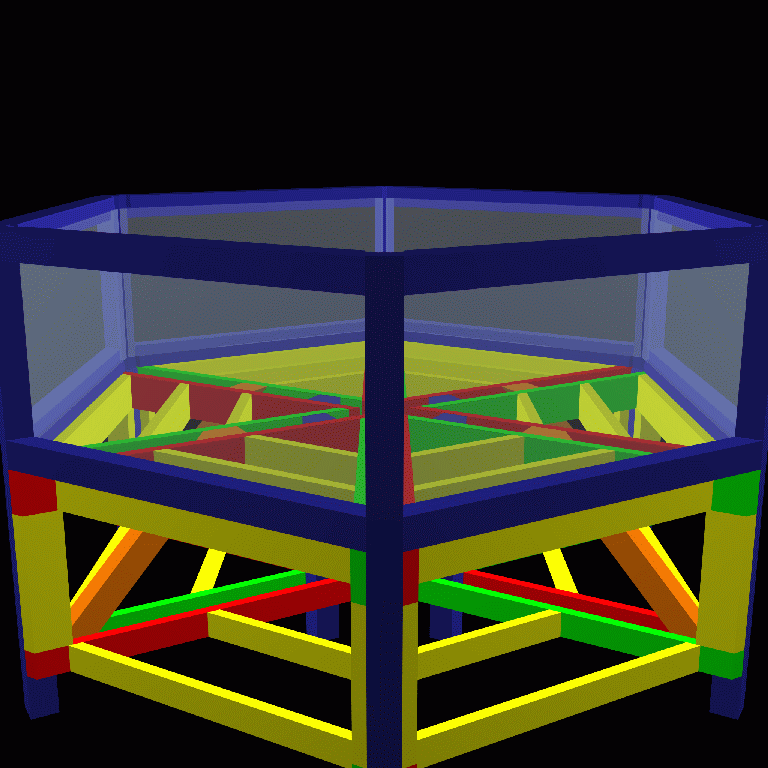
aquarium.png,
a model of Greg Hood's new surf aquarium;
-
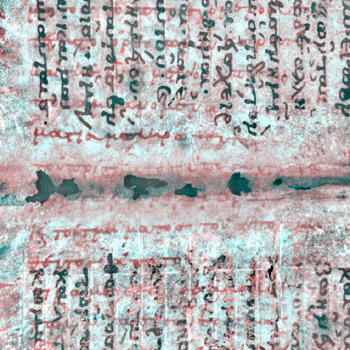
archimedes_after.png,
a page of the Archimedes palimpsest after imaging.
-
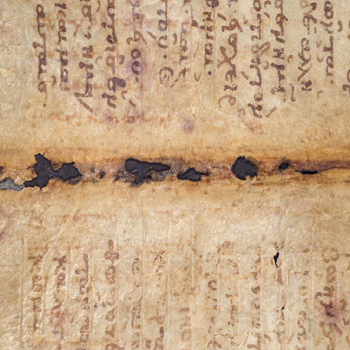
archimedes_before.png,
a page of the Archimedes palimpsest before imaging.
-
auburn_logo.png,
a sports logo for Auburn University.
-
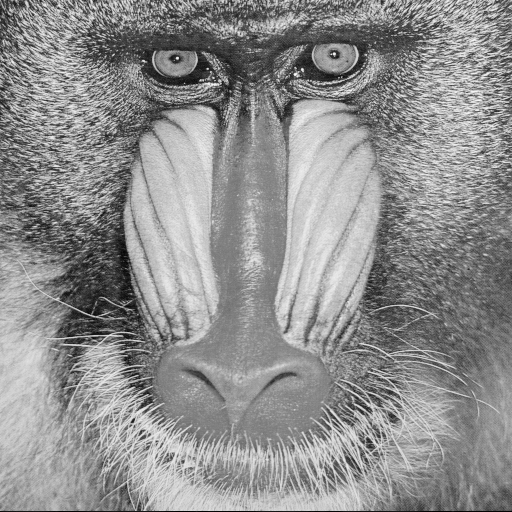
baboon.png,
a grayscale image of a baboon;
-
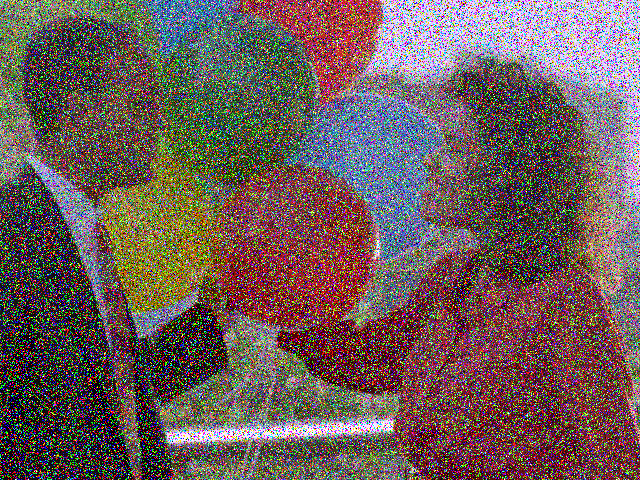
balloons_noisy.png,
a noisy image of a couple with balloons.
-
bar.png;
-
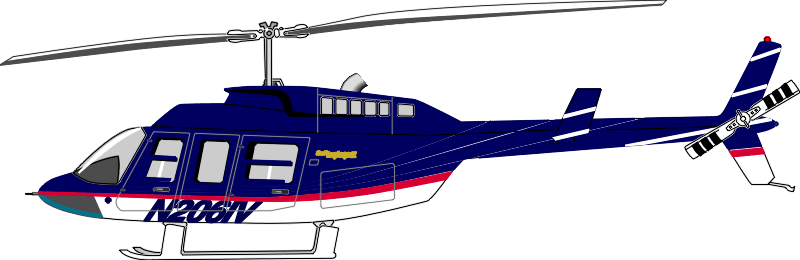
bell_206.png,
the Bell 206 helicopter;
-
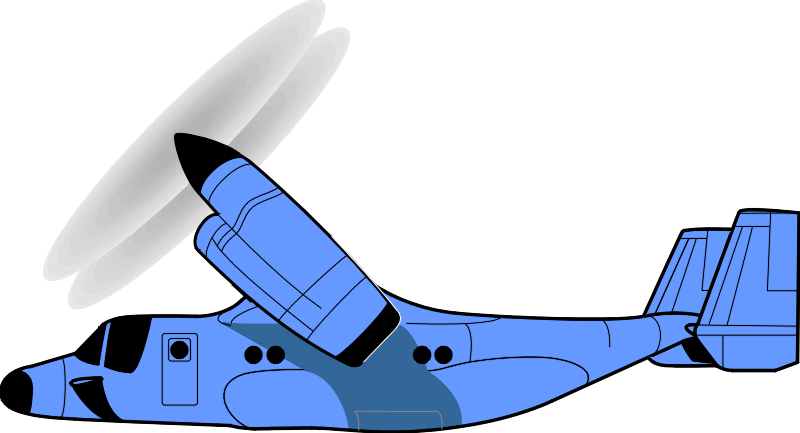
bell_v22.png,
the Boeing-Bell V22 Osprey;
-
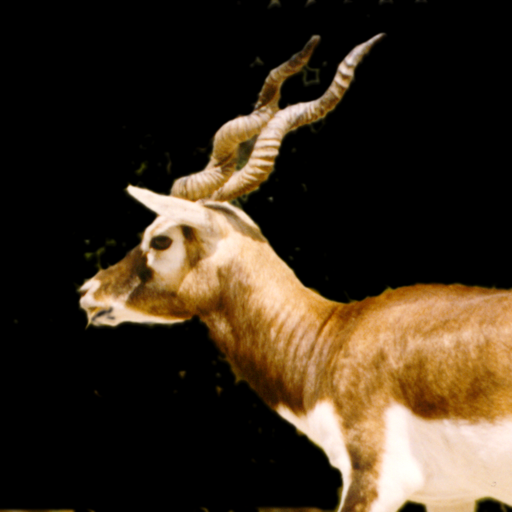
blackbuck.png,
an image of a deer;
-
bmp_08.png,
a monochrome image derived from a BMP file;
-
bmp_24.png,
a three-color image derived from a BMP file;
-
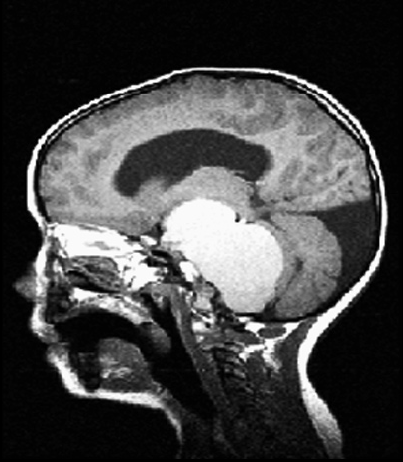
brain.png,
a black and white MRI image of the brain;
-
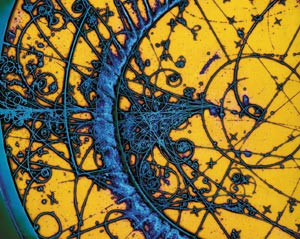
bubble_chamber.png,
an image from a bubble chamber showing particle creation and collisions.
-
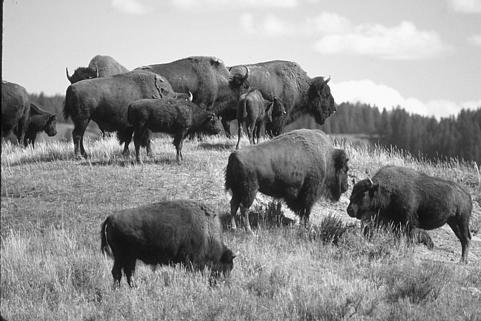
buffalo.png,
an image of several buffalo.
-
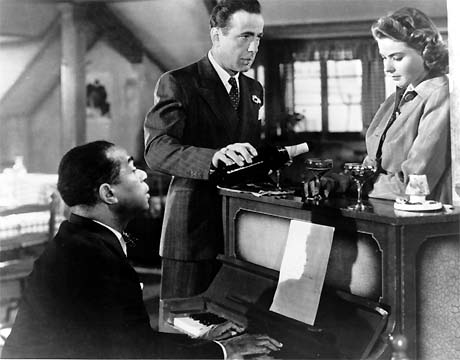
casablanca.png,
a still from the movie "Casablanca";
-
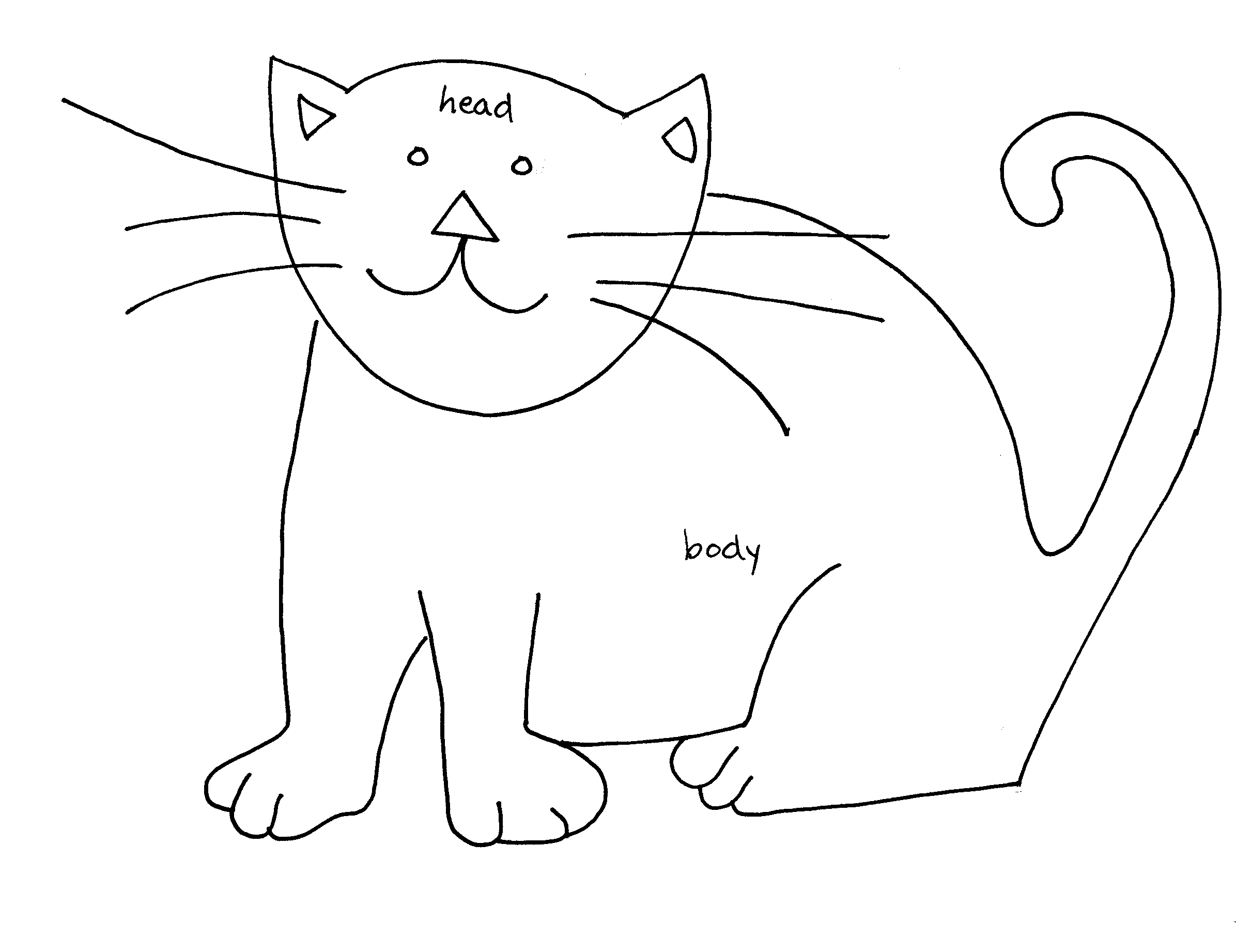
cat.png,
a simple line drawing of a cat;
-
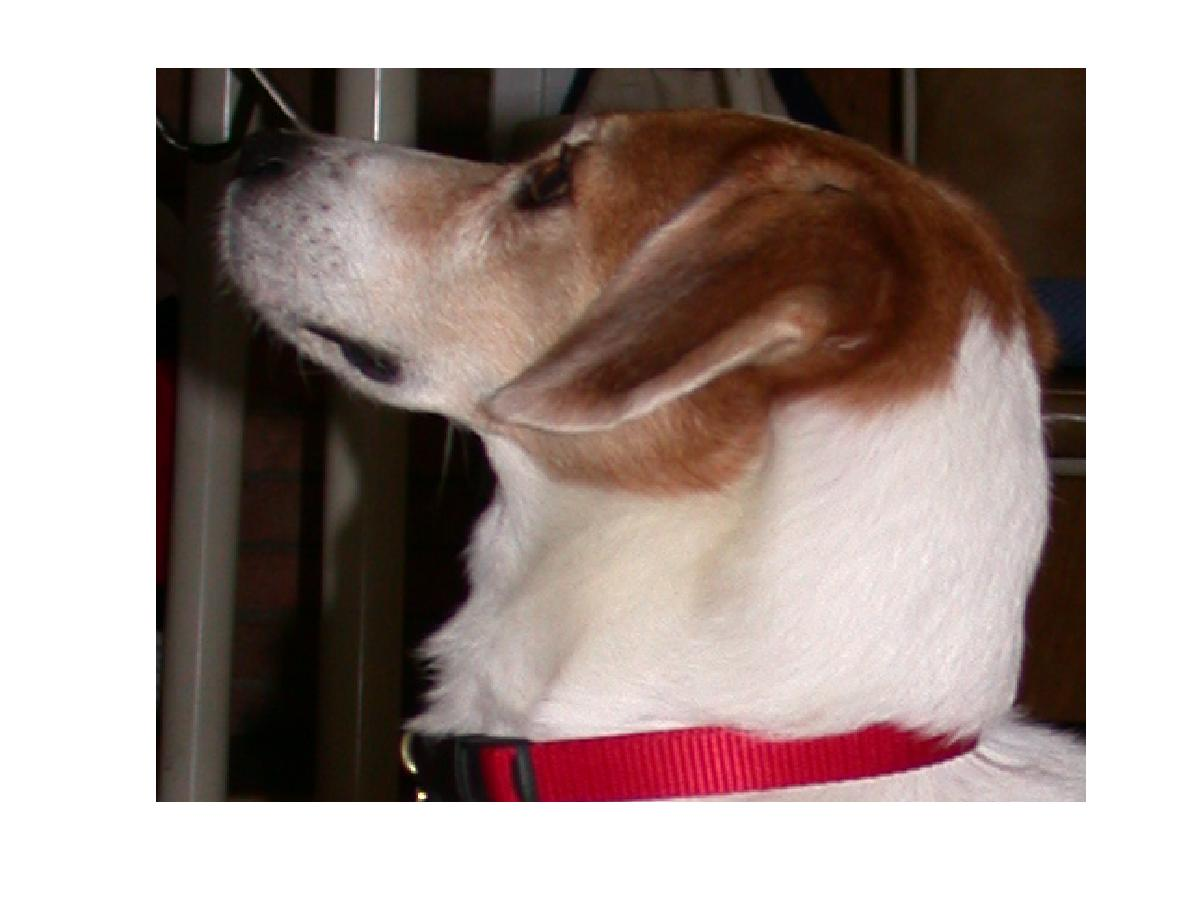
charlie.png,
a photograph of Charlie the dog;
-
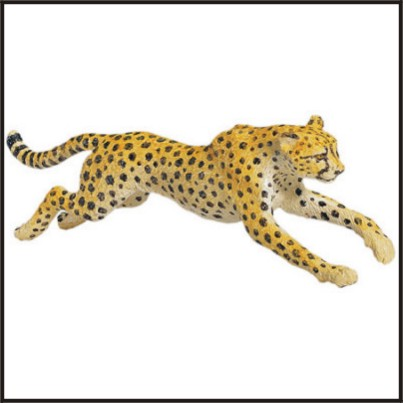
cheetah_running.png,
a running cheetah.
-
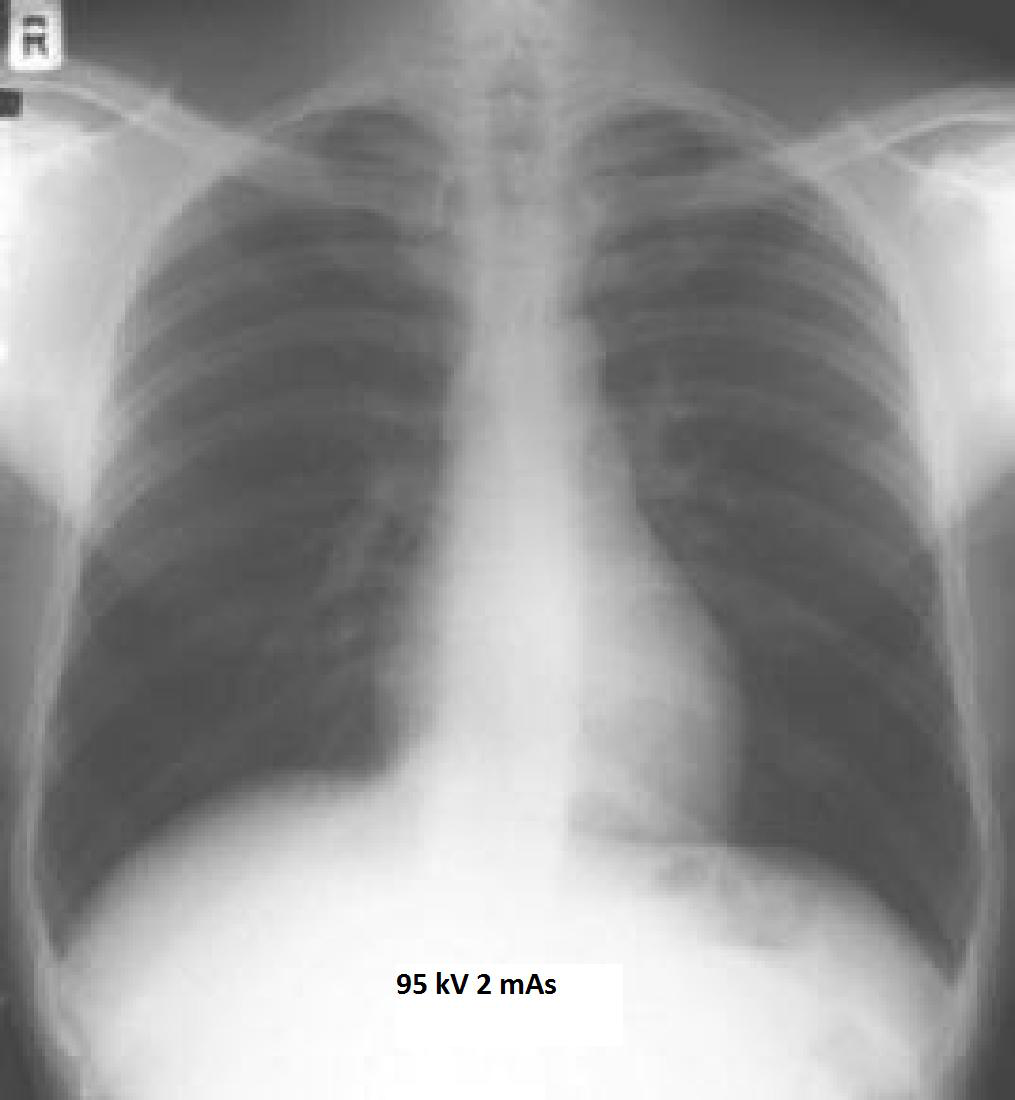
chest_xray.png,
a chest X-ray image.
-
clemson_logo.png,
a logo for Clemson University;
-
clemson_logo_sports.png,
a sports logo for Clemson University;
-
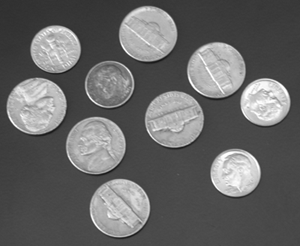
coins.png,
an image of coins;
-
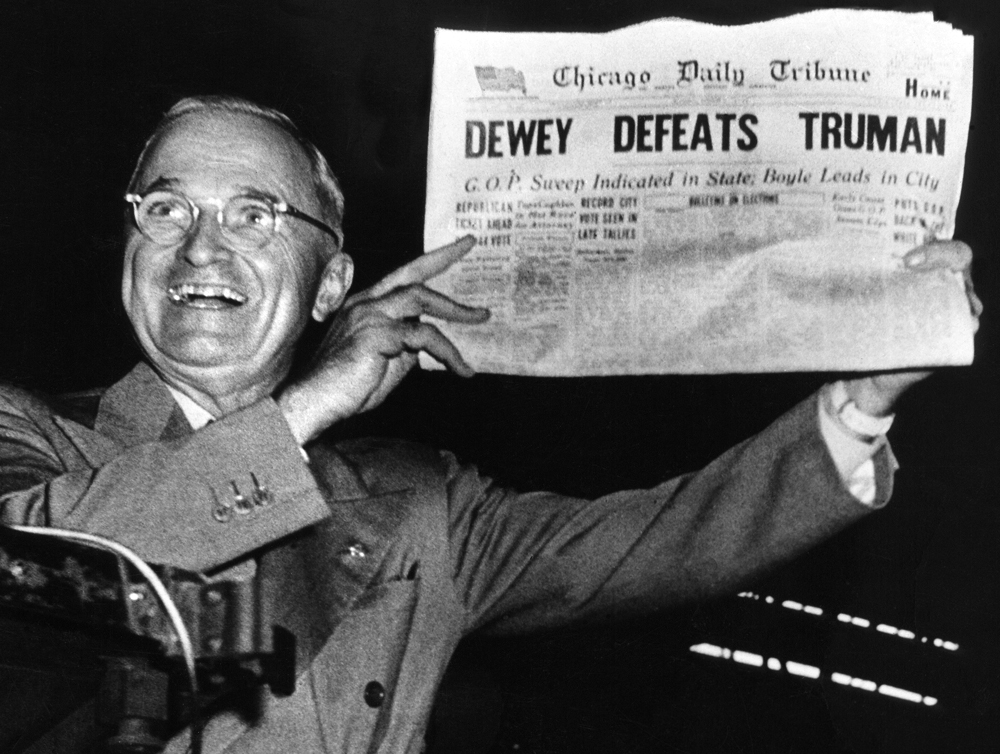
dewey_defeats_truman.png,
a grayscale image, Harry Truman has a laugh.
-
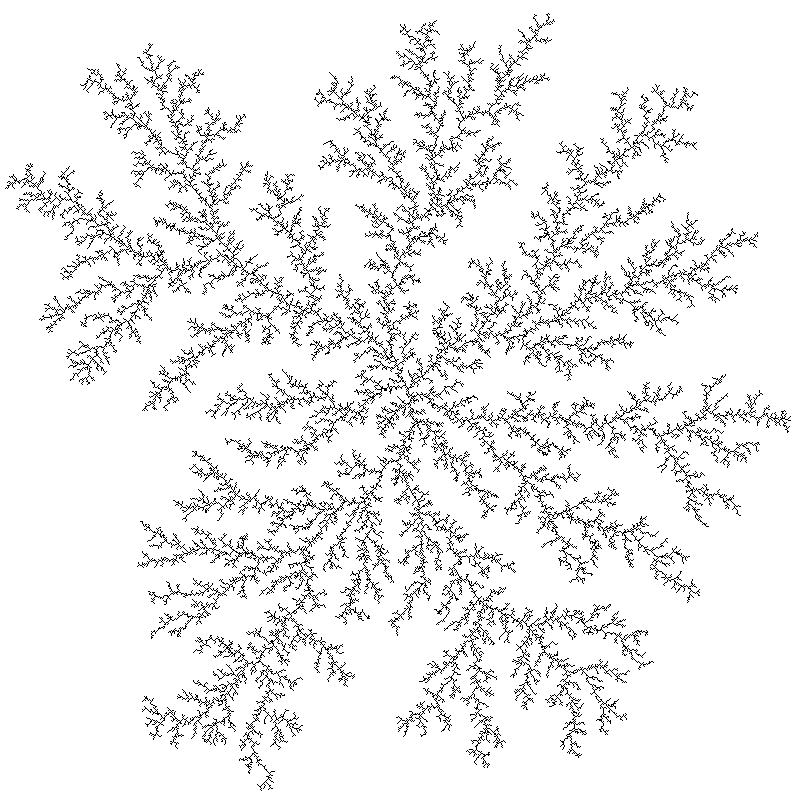
dla.png,
an image of a structure created by diffusion-limited aggregation.
-
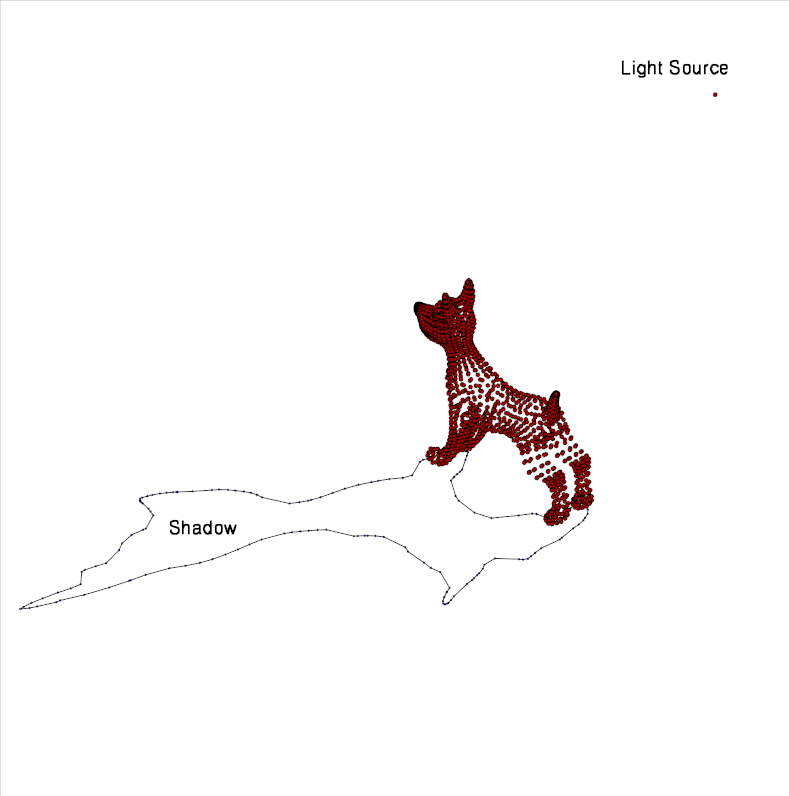
dog_shadow.png,
illustrates the determination of the shadow of a dog;
-
dots.png,
dots all I can say;
-
dragon.png,
a cartoon of a dragon;
-
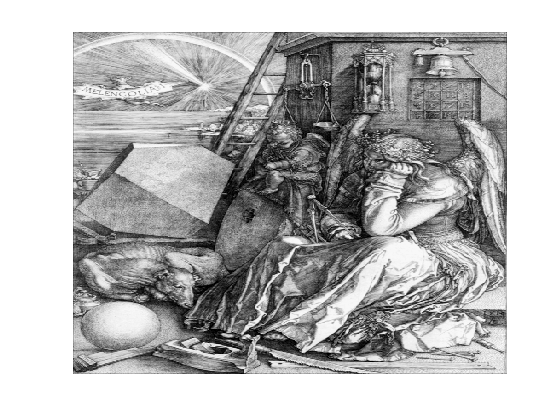
durer.png,
Melencolia I, by Albrecht Duerer;
-
emory_logo.png,
a sports logo for Emory University;
-
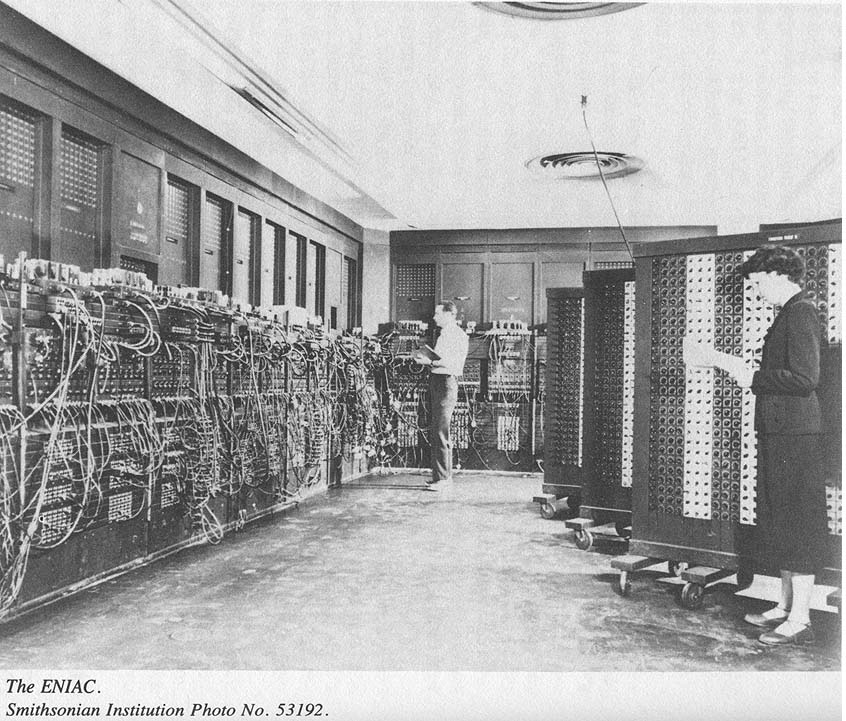
eniac.png,
an image of the ENIAC computer.
-
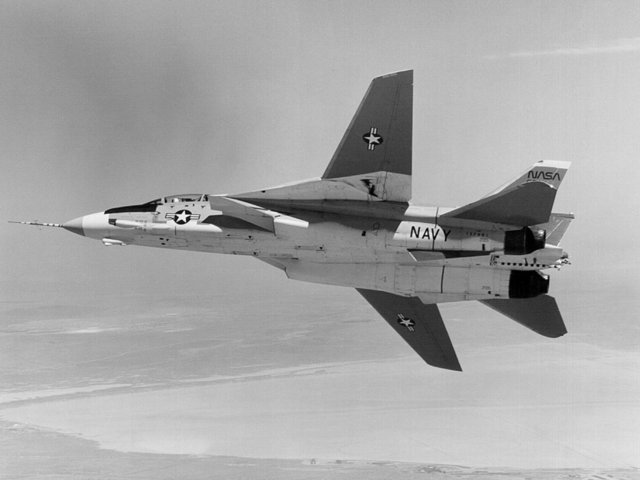
f14.png,
an image of the F14 fighter jet;
-
feep.png,
an image of "FEEP".
-
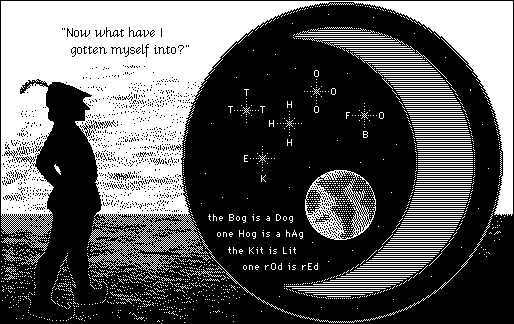
fool.png,
a black and white (not grayscale!) screenshot from "The Fool's Errand";
-
football_seal.png,
the seal of Football Stadium University;
-
fouroclocks.png,
an image of four o'clock flowers.
-
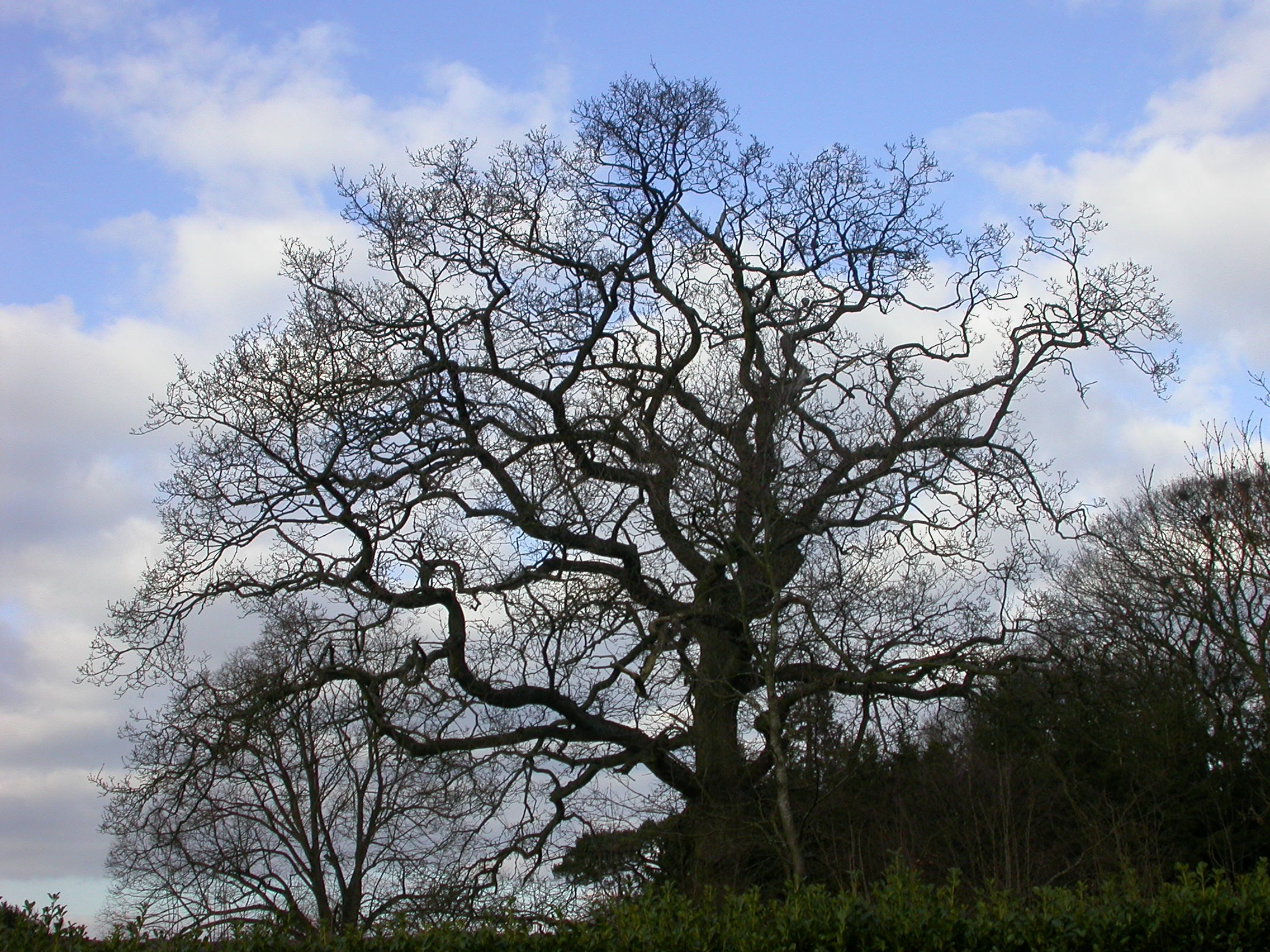
fractal_tree.png,
a photograph of a tree suggesting a fractal structure.
-
fsu_logo.png,
a logo for Florida State University;
-
fsu_sports_logo.png,
a sports logo for Florida State University;
-
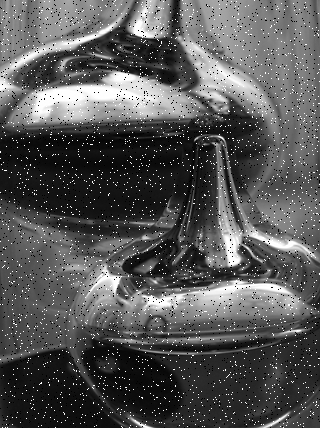
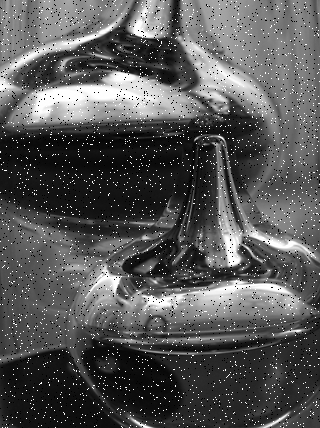
glassware_noisy.png,
a noisy grayscale image of glassware.
-
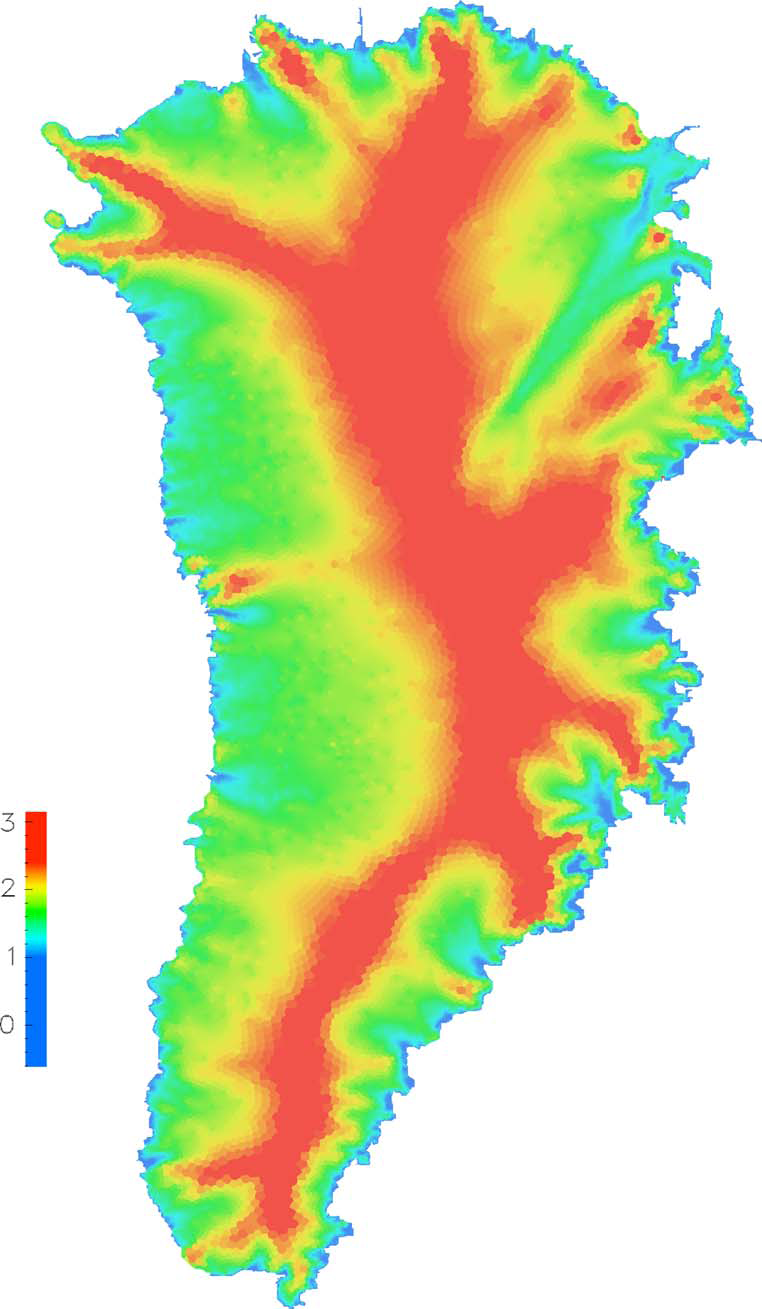
greenland_grid_velo.png,
a contour plot of ice sheet velocity over Greenland;
-
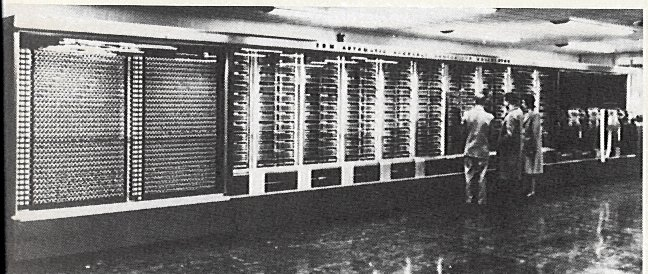
harvard_mark.png,
a picture of the Mark computer at Harvard.
-
heawood.png,
an image of the Heawood graph,
converted from a GRF file to an EPS file by GRF_TO_EPS,
converted to a PNG file by ImageMagick Convert.
-
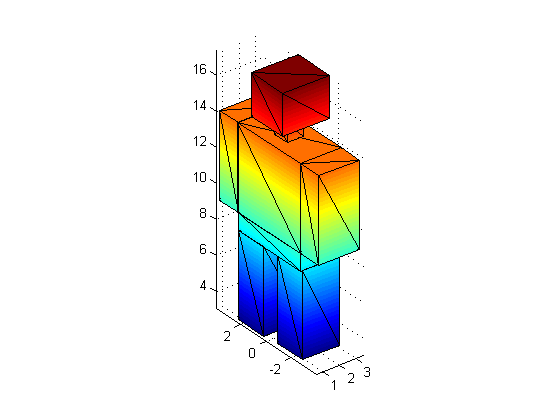
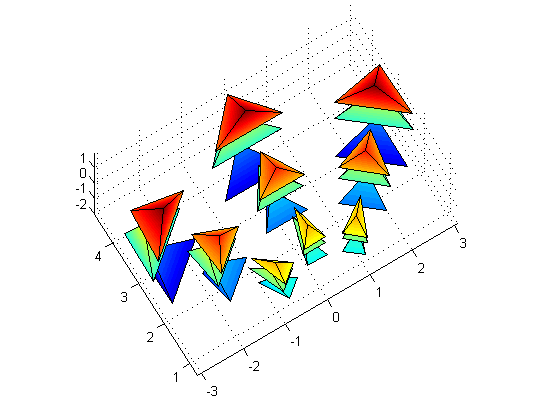
humanoid_tri.png,
a 2D 'snapshot' of a 3D humanoid shape made with 96
triangular faces.
-
icam_logo.png,
a logo for the Interdisciplinary Center for Applied Mathematics
at Virginia Tech;
-
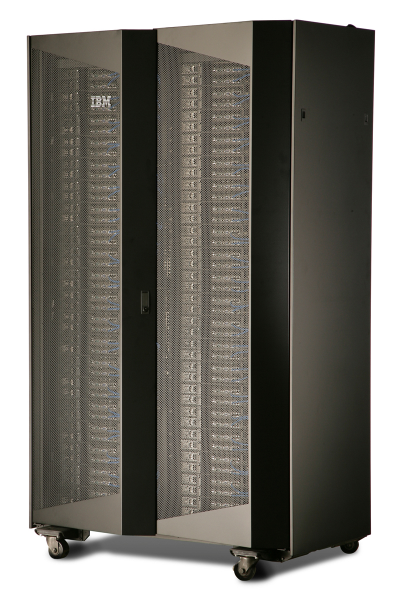
idataplex.png,
an image of IBM's iDataplex computing system;
-
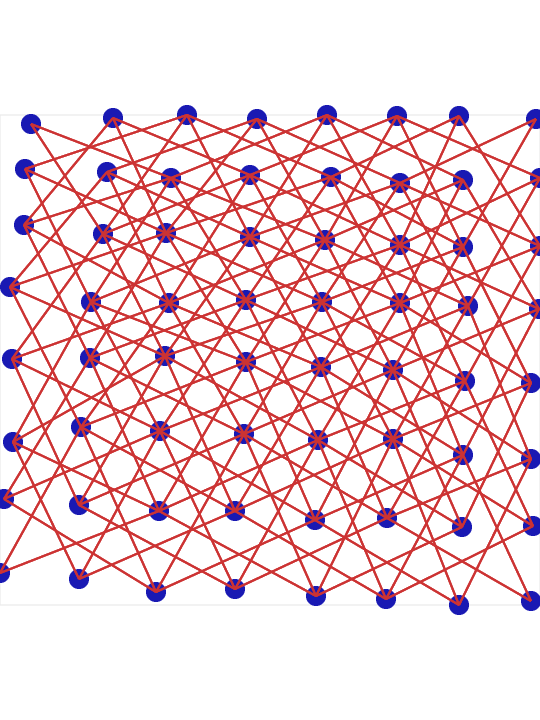
knightstour.png,
an image of the Knight's Tour graph,
converted from a GRF file to an EPS file by GRF_TO_EPS,
converted to a PNG file by ImageMagick Convert.
-
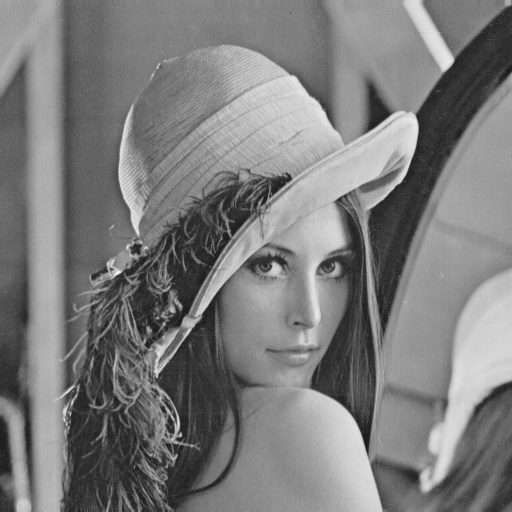
lena.png,
a 512x512 grayscale image.
-
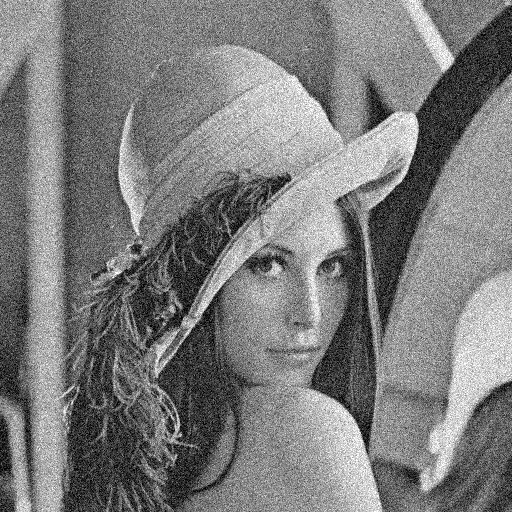
lena_noisy.png,
a "noisy" version of the lena image.
-
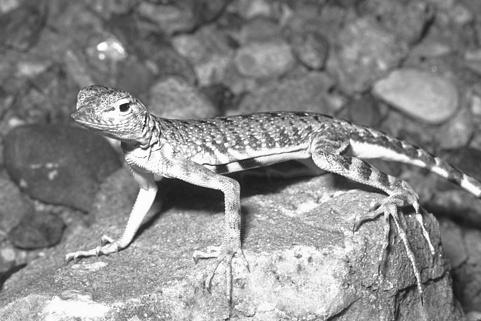
lizard.png,
an image of a lizard.
-
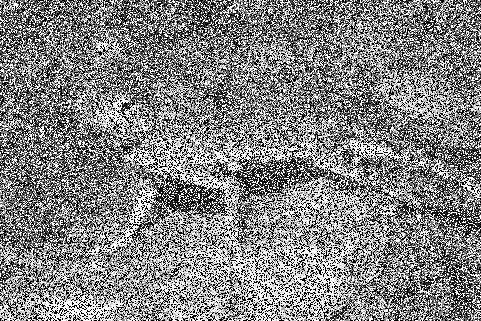
lizard_noisy.png,
a noisy image of lizard.
-
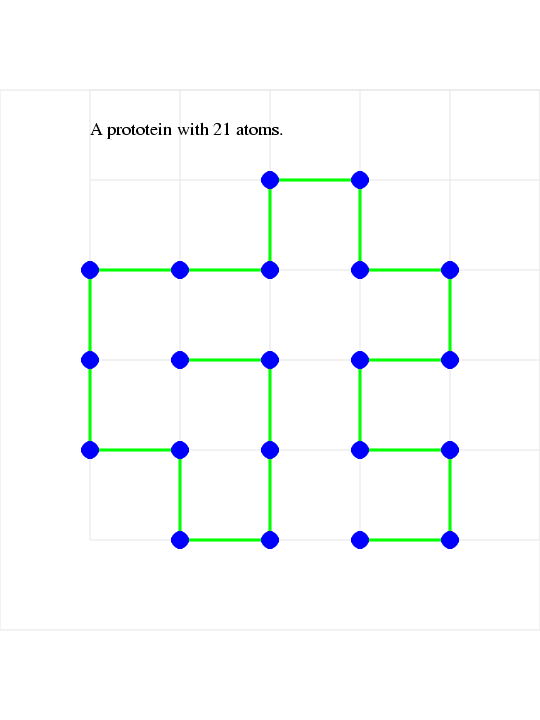
prototein.png,
a schematic of a simple model of protein folding.
-
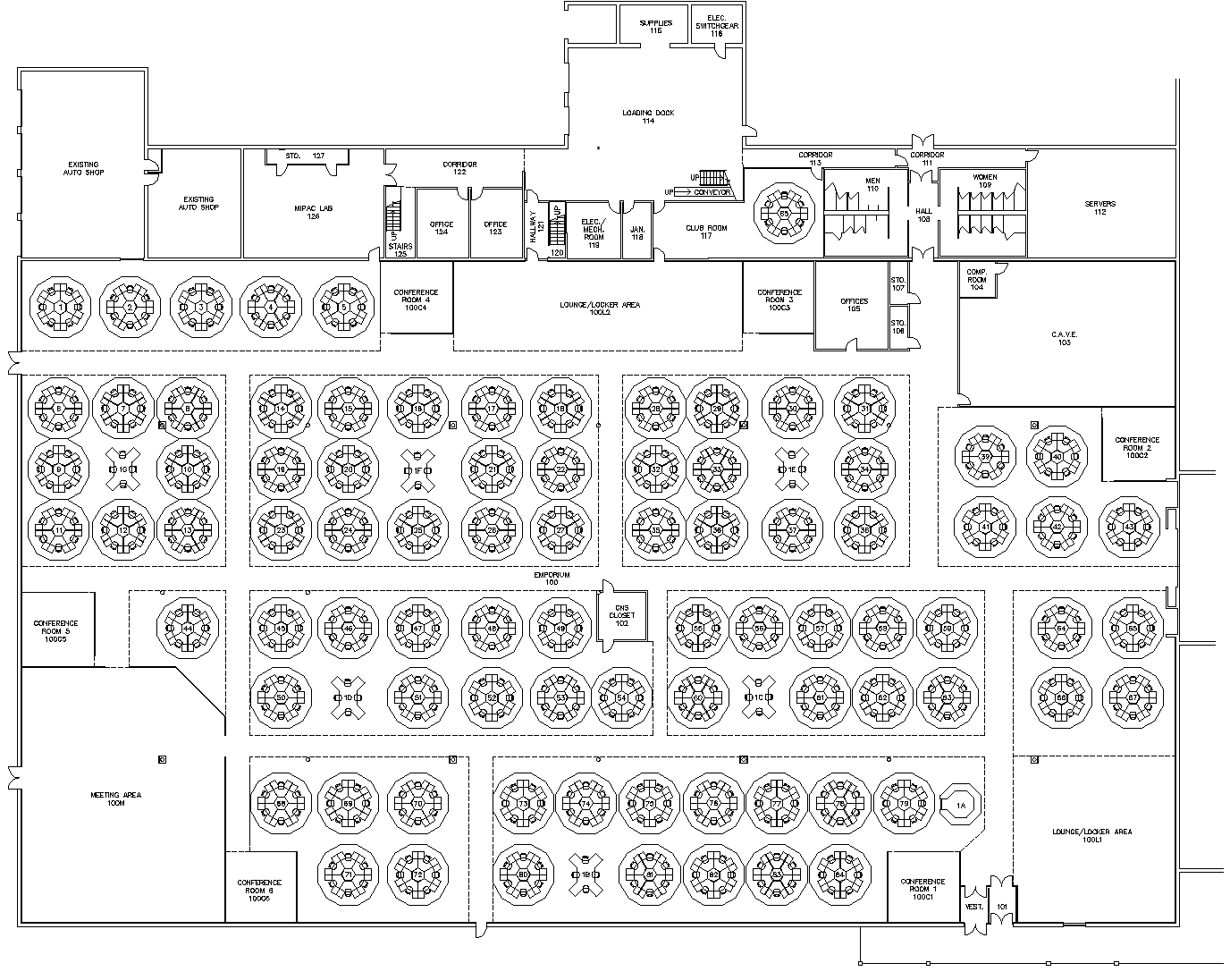
math_emporium.png,
the layout of Virginia Tech's Math Emporium.
-
maze3.png,
a maze;
-
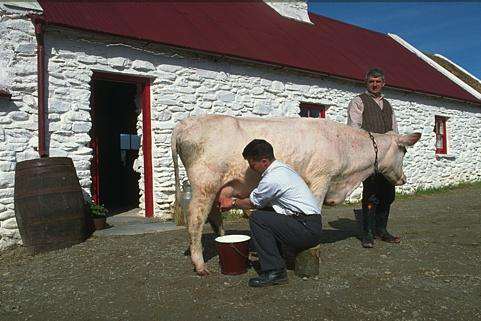
milking.png,
a grayscale image of a cow being milked.
-
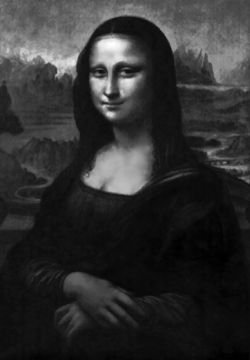
mona_lisa.png,
a black and white image of the Mona Lisa;
-
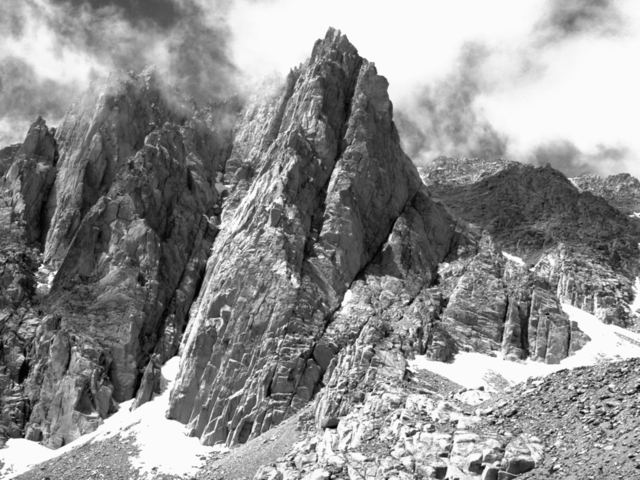
mountain.png,
a black and white image of a mountain (looks like the Alps).
-
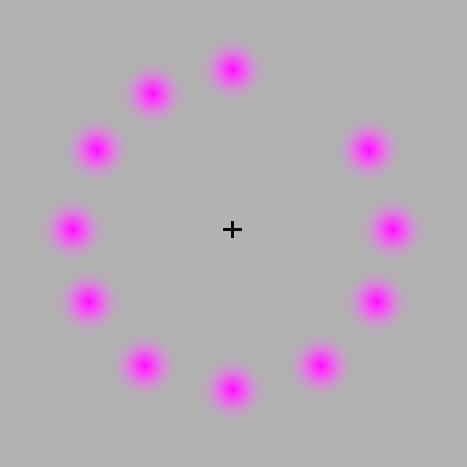
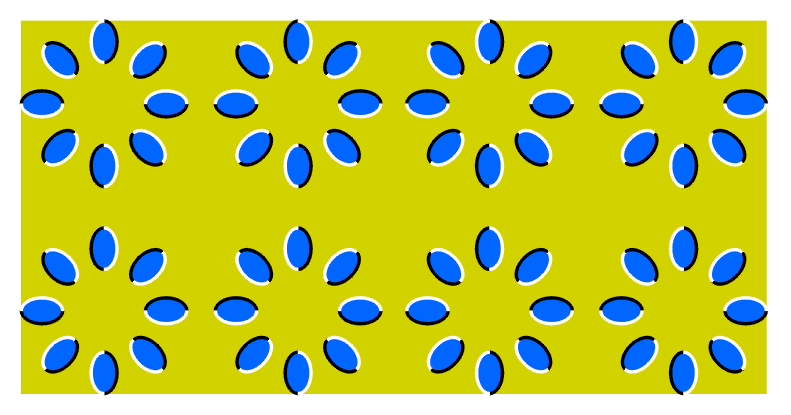
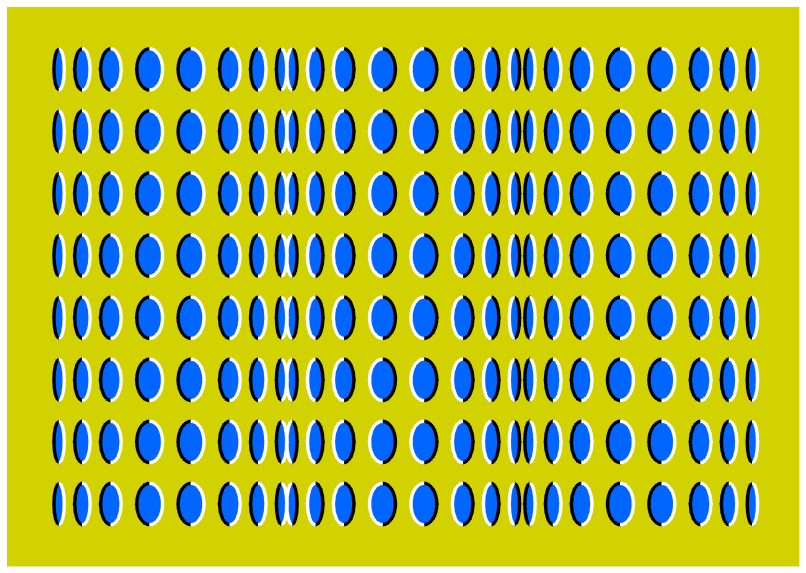
move1.png,
an optical illusion in which dots seem to move;
-
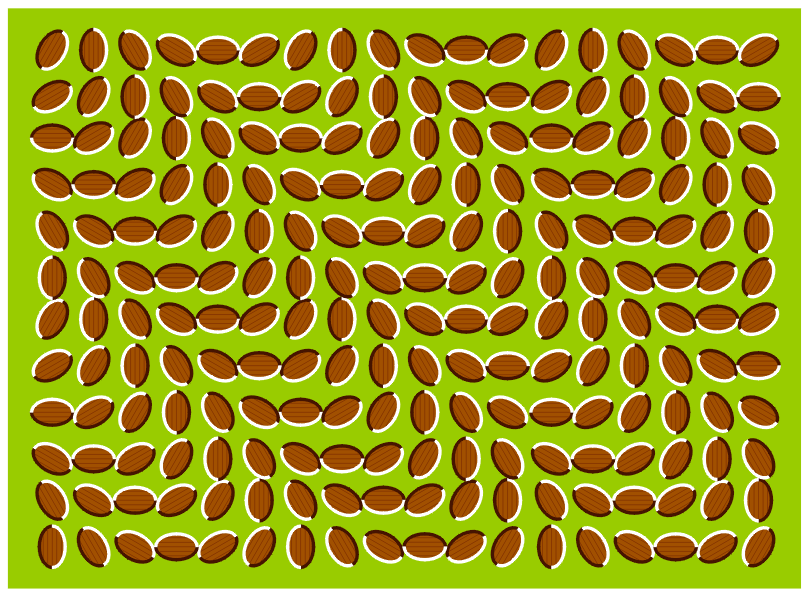
move2.png,
an optical illusion in which dots seem to move;
-
move3.png,
an optical illusion in which dots seem to move;
-
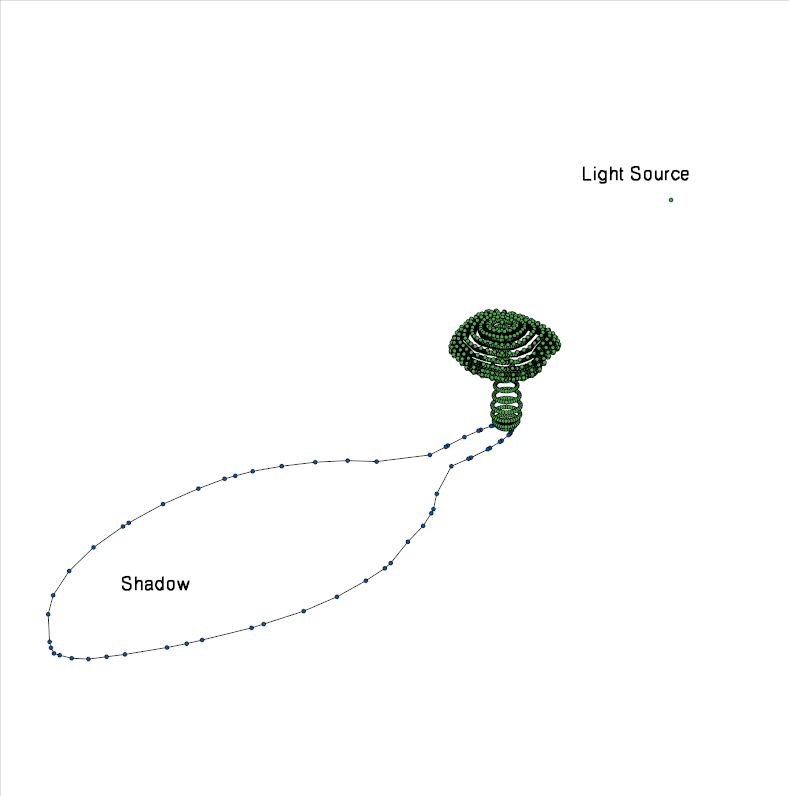
mushroom_shadow.png,
an illustration of the problem of computing the shadow of an object
(in this case, a mushroom).
-
noise_salt_and_pepper.png,
an image which illustrates "salt and pepper" noise.
-
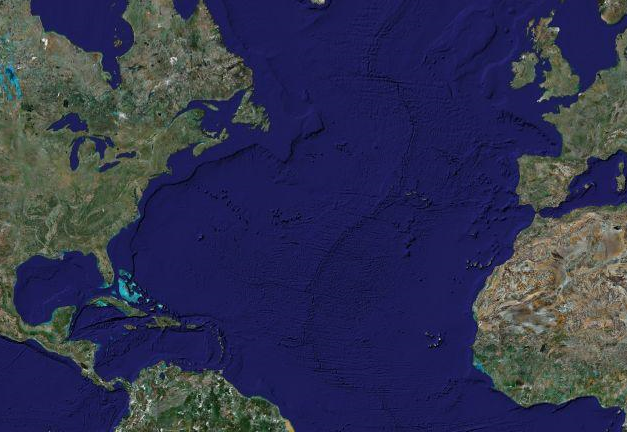
northatlantic_phys.png,
a topographic map of the area around the North Atlantic.
-
pengbrew.png,
a penguin with a beer;
-
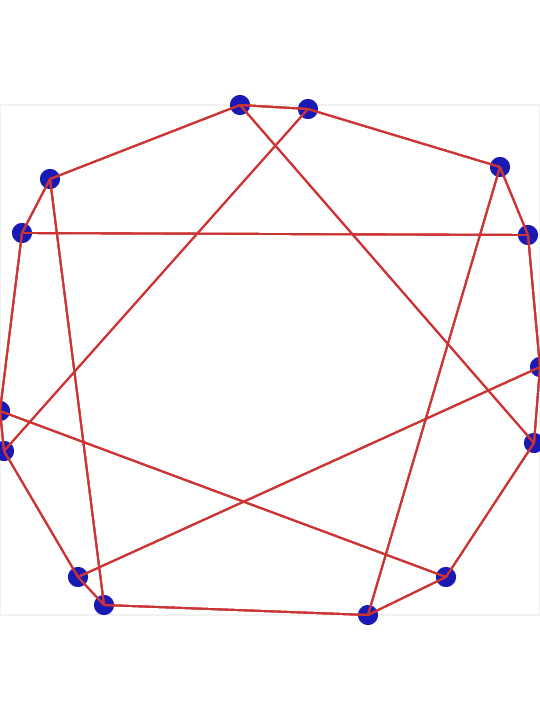
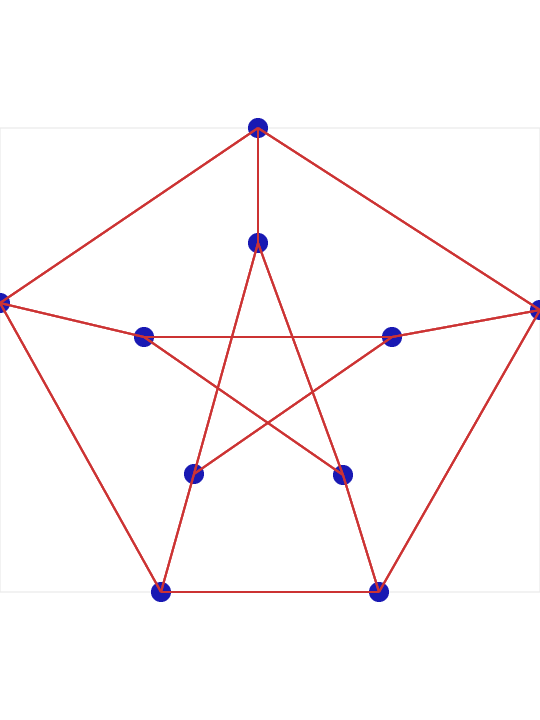
petersen.png,
an image of the Petersen graph,
converted from a GRF file to an EPS file by GRF_TO_EPS,
converted to a PNG file by ImageMagick Convert.
-
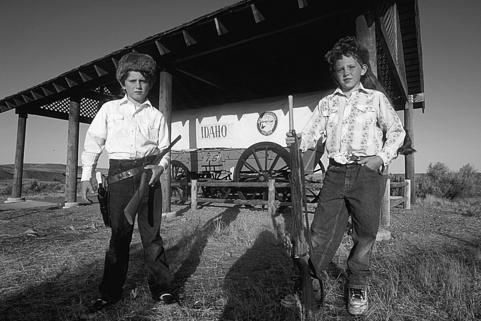
pioneers.png,
a couple of boys dressed up as pioneers.
-
pitt_logo.png,
a logo for the University of Pittsburgh.
-
pitt_logo_sports.png,
a sports logo for the University of Pittsburgh.
-
pngnow.png;
-
pngtest.png,
a picture of the stylized letters "PNG";
-
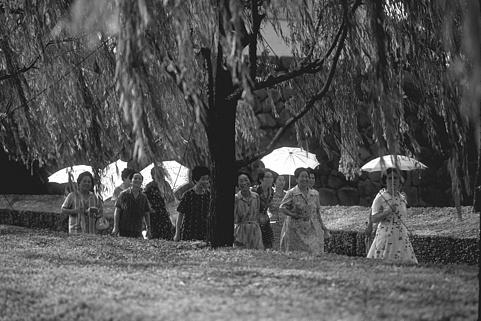
promenade.png,
a grayscale image of a group of people walking down
a tree-lined path.
-
prototein.png,
a schematic of a simple model of protein folding.
-
roi_14.png,
a 507 wide by 505 high image of an MRI, the 14th in a sequence.
-
sc_logo.png,
a logo for the Department of Scientific Computing
at Florida State University;
-
scs_logo.png,
the logo for the School of Computational Science
at Florida State University (since renamed the Department of
Scientific Computing).
-
seahorse.png,
a seahorse;
-
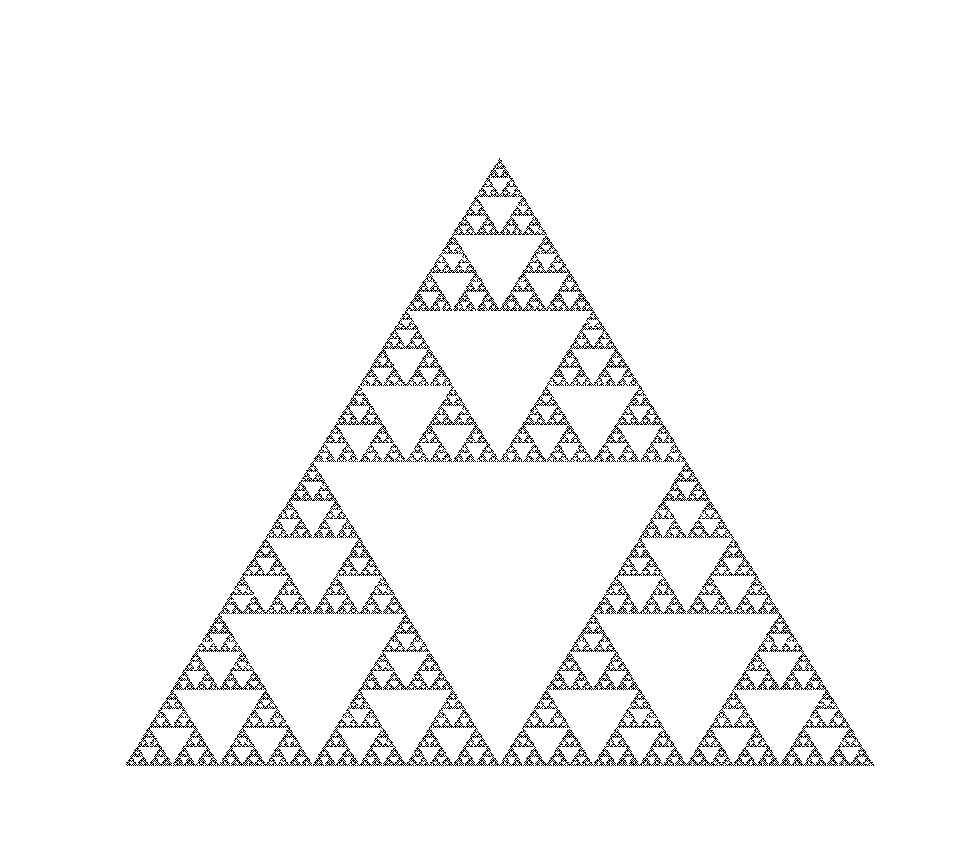
sierpinski.png,
the Sierpinski triangle;
-
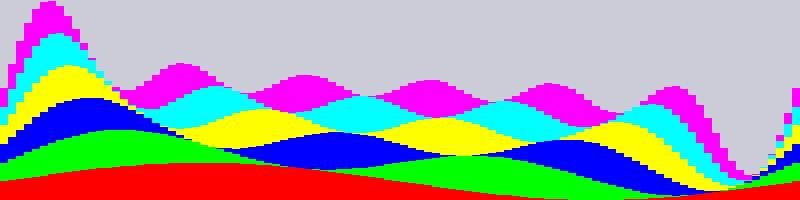
sines.png,
a kind of bar plot of sine functions, created by
BAR_PLOT.
-
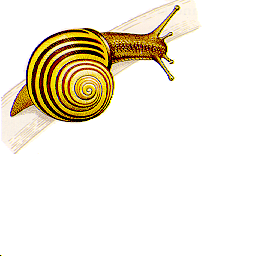
snail.png,
a snail;
-
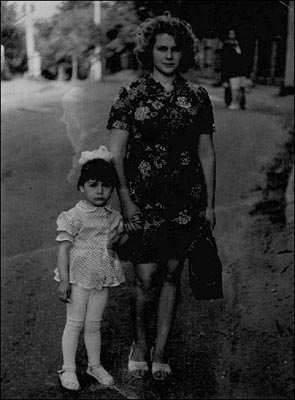
snap.png,
a murky black and white snapshot of a mother and child.
-
south_carolina_logo.png,
a sports logo for the University of South Carolina.
-
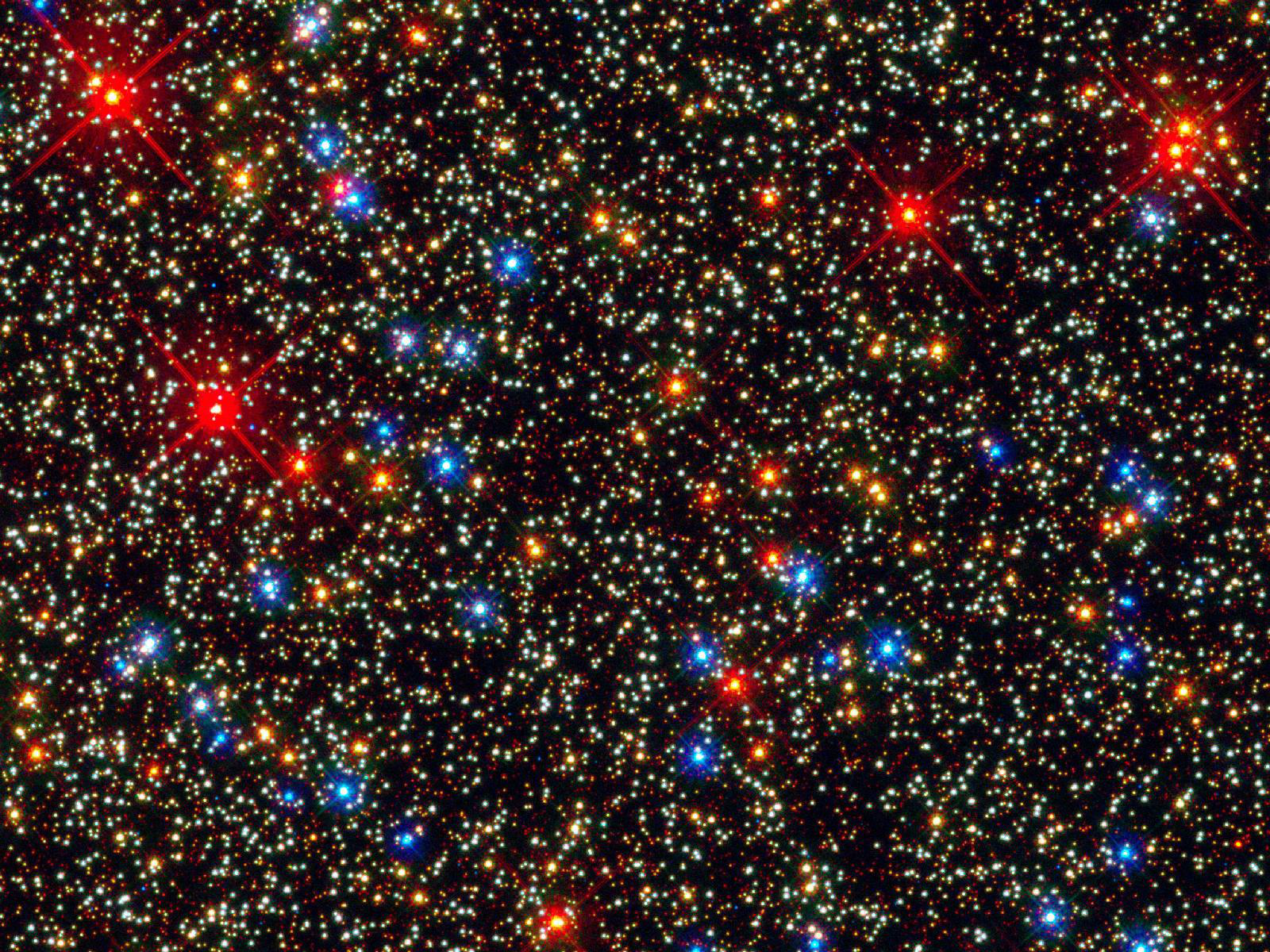
star_field.png,
an astronomical image of many stars.
-
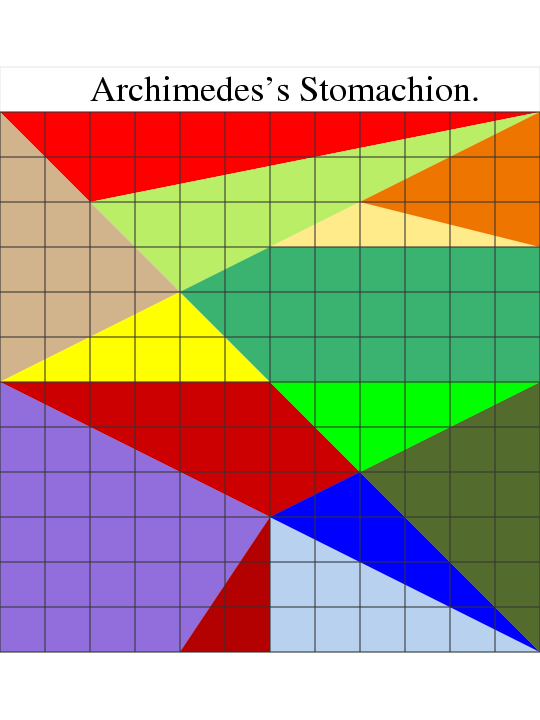
stomachion.png,
an image of the pieces of Archimedes's stomachion geometric dissection puzzle.
-
surfs.png,
a black and white beach picture whose contrast could be enhanced.
-
tiler_3d.png,
an image of the 3D pattern made by TILER_3D.
-
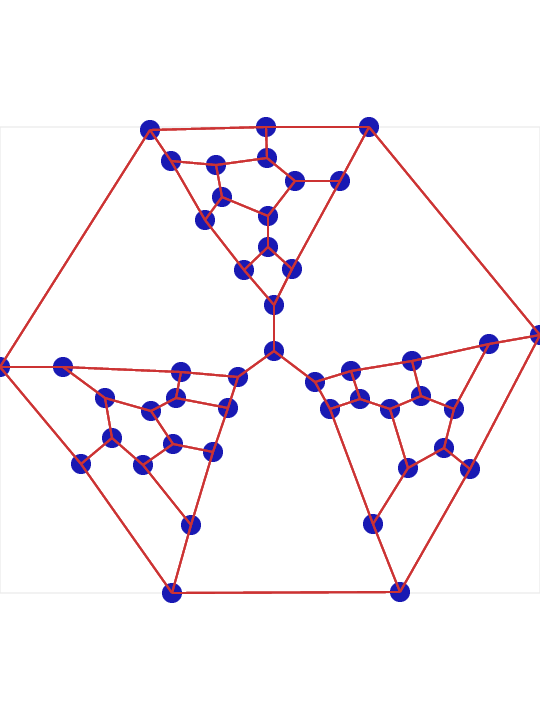
tutte.png,
an image of the Tutte graph,
converted from a GRF file to an EPS file by GRF_TO_EPS,
converted to a PNG file by ImageMagick Convert.
-
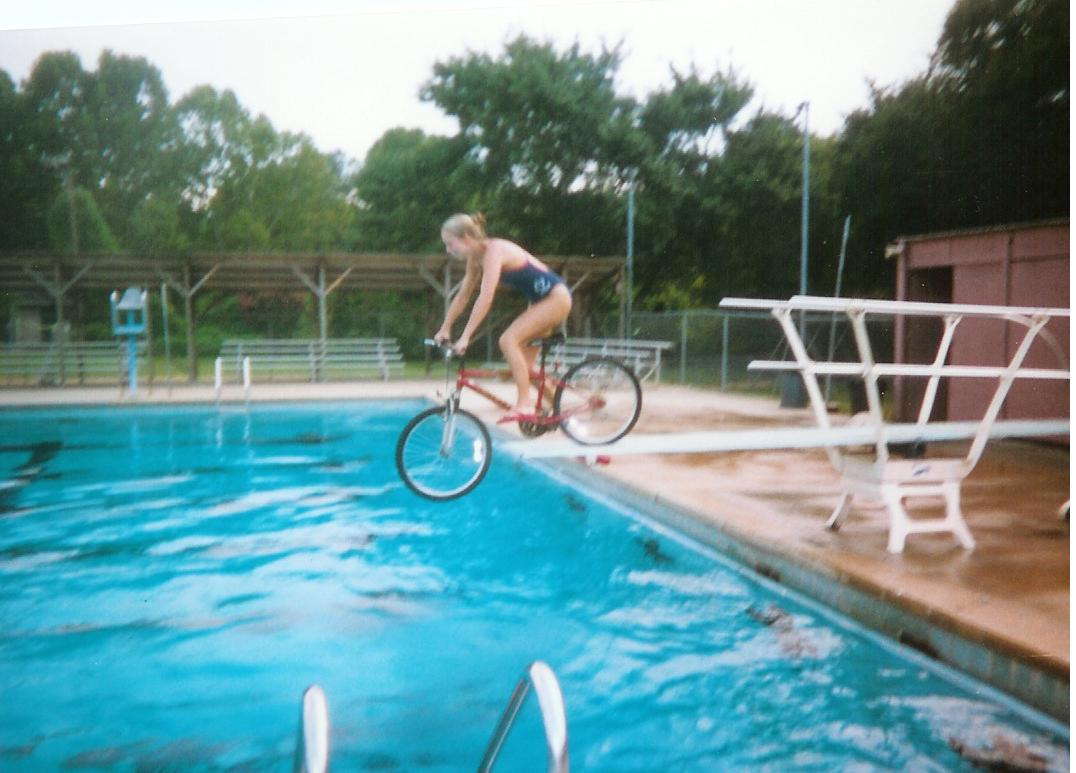
underwater_bmx.png,
a slightly blurred image of a bicycle rider on a diving board.
-
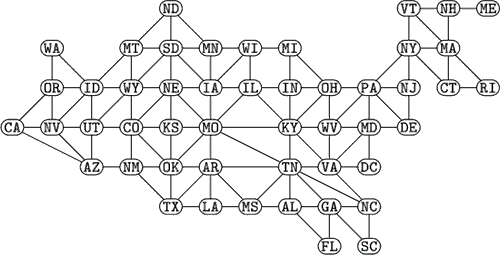
usa_graph.png,
a graph of the logical connections between states in the US.
-
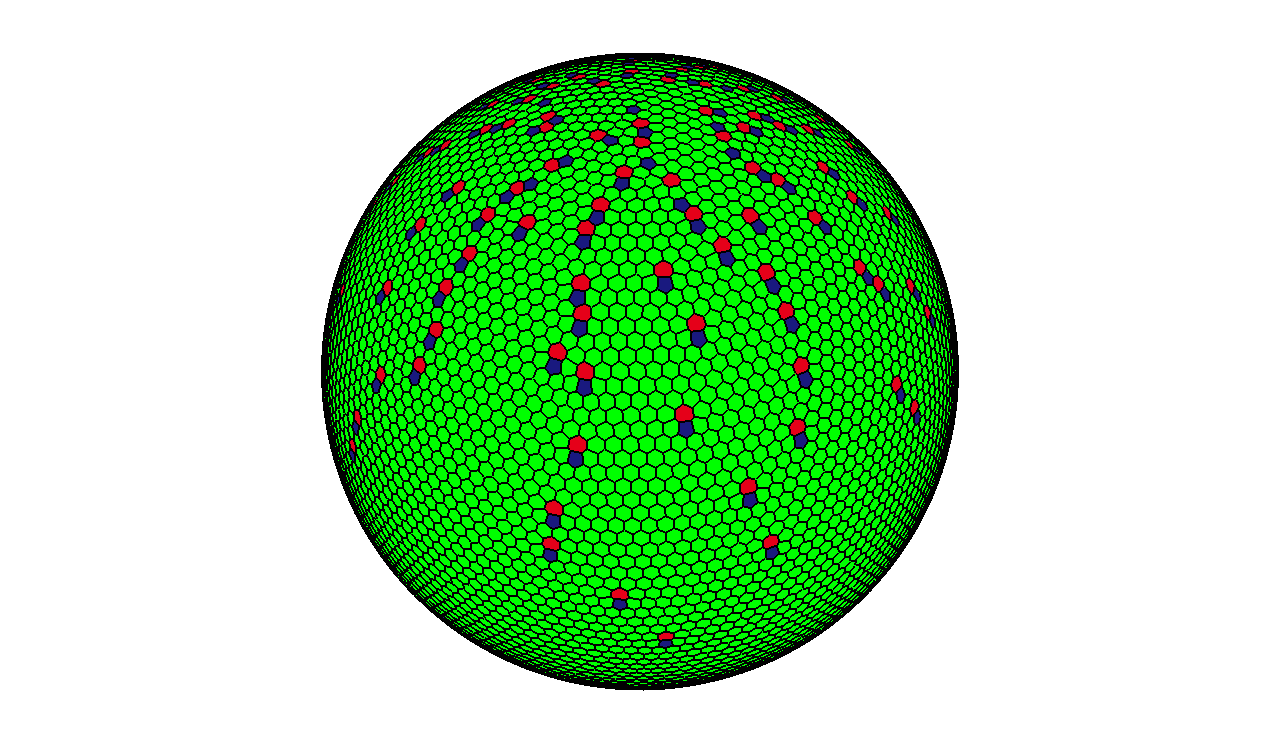
voronoi_sphere.png,
a snapshot of a Voronoi tessellation of the surface of a sphere,
with heptagons and pentagons marked. The starting point
for the iteration used a set of spiral points.
-
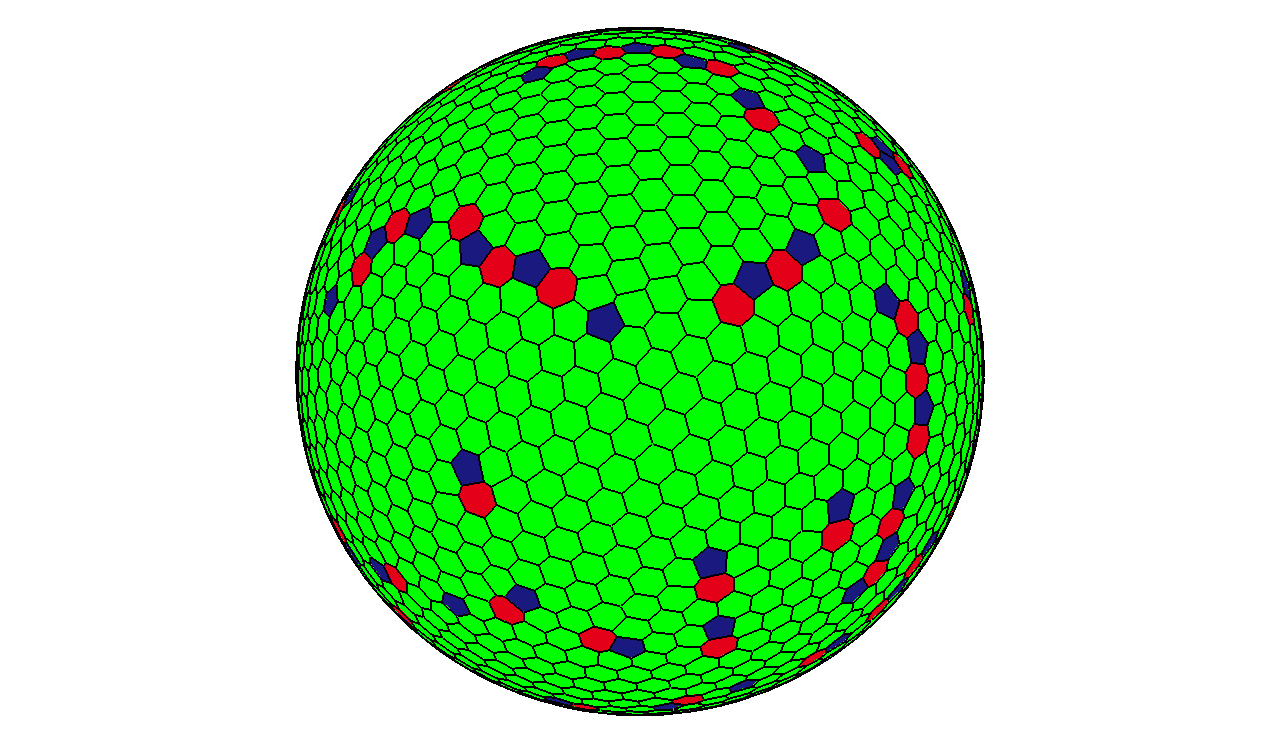
voronoi_sphere2.png,
a snapshot of a Voronoi tessellation of the surface of a sphere,
with heptagons and pentagons marked. The starting point
for the iteration used a random set of data.
-
vt_logo.png,
a circular logo for Virginia Tech.
-
vt_logo2.png,
a circular logo for Virginia Tech.
-
vt_logo_sports.png,
a sports logo for Virginia Tech.
-
vt2_logo.png,
a rectangular logo for Virginia Tech.
-
washington.png,
a silhouette of George Washington.
-
white_box.png,
a white box.
-
yonsei_logo.png,
a logo for Yonsei University, Korea.
You can go up one level to
the DATA page.
Last revised on 28 July 2011.