PS Files
the PostScript format
for Graphics and Text
PS is a data directory which
contains examples of PS or PostScript files. PostScript
is primarily designed to present publication-quality text.
A PostScript file consists of a set of images of pages. These
pages can include graphics, or in fact consist entirely of
graphics.
As a graphic language, PostScript is basically
vector-based rather than bit-mapped. Thus, it's easy to draw
a square or a star, or even a filled polygonal region. But
it's rather unnatural, in PostScript, to define a rectangular
region in which every pixel has an assigned color. If a
highly detailed bit-map image is needed, it is often computed
in another format, such as GIF, and then "imported" into the
PostScript file.
PS File Characteristics:
-
ASCII (although they can sometimes be set up to include
binary data!);
-
Color or black and white;
-
2D;
-
No compression;
-
Based on vectors (descriptions of points, lines and regions)
rather than bit maps;
-
multiple images (pages).
Licensing:
The computer code and data files described and made available on this web page
are distributed under
the GNU LGPL license.
Related Data and Programs:
EPS,
a data directory which
contains examples of the Encapsulated PostScript format.
Reference:
-
Adobe Systems,
PostScript Language Reference Manual,
Third Edition, 1999.
-
Henry McGilton, Mary Campione,
PostScript by Example,
Addison Wesley, 1992,
LC: QA76.73.P67M34.
Sample Files:
-
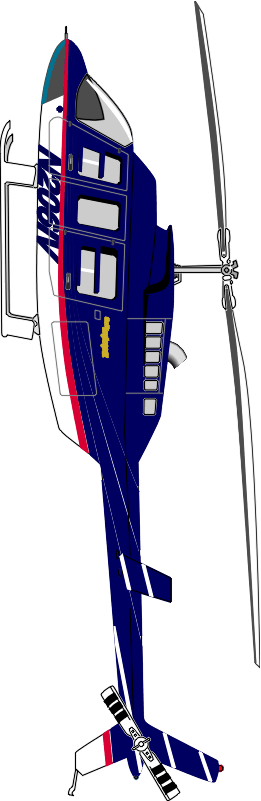
bell_206.ps, a helicopter (sideways);
-
bell_206.png, a PNG version.
-
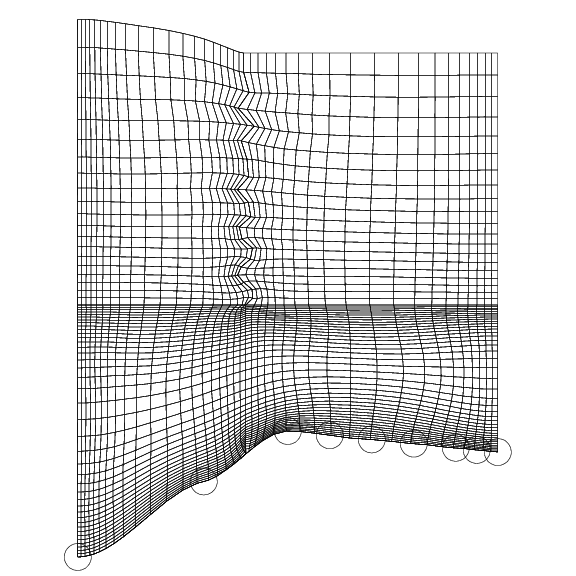
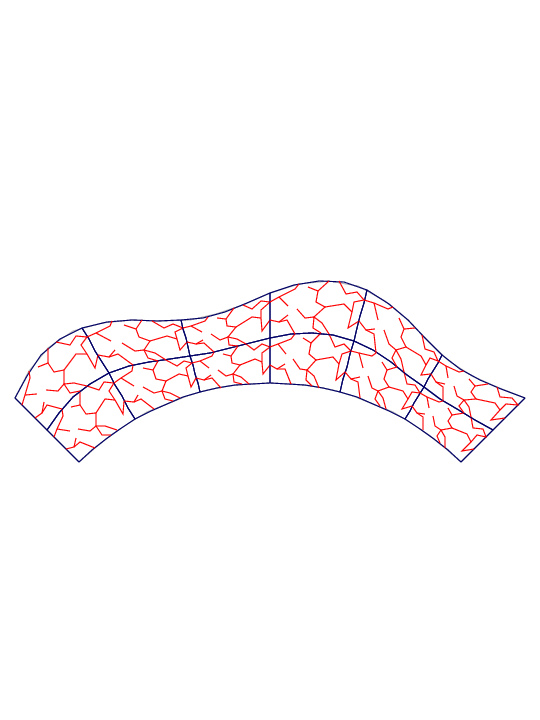
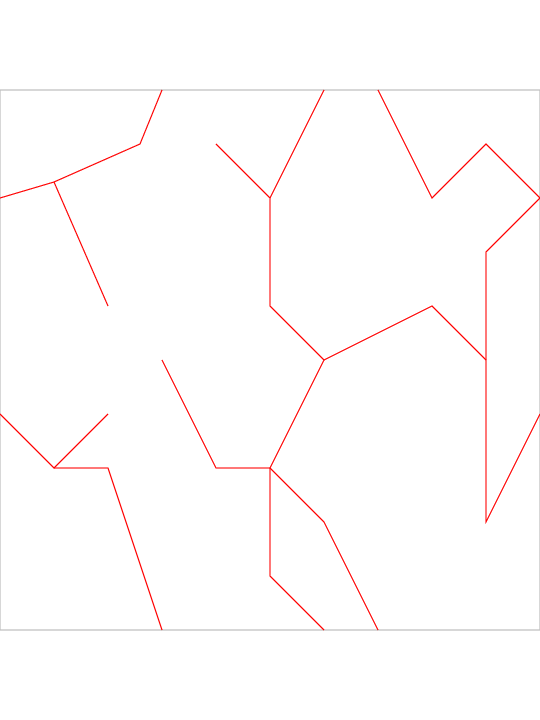
cells.ps;
-
cells.png, a PNG version;
-
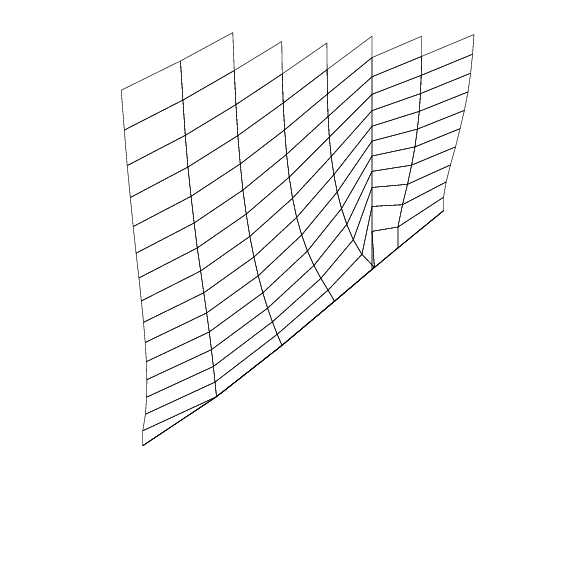
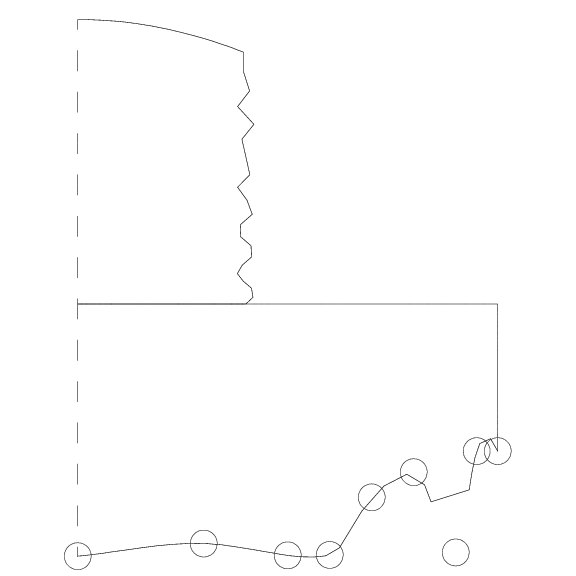
collaps1.ps;
-
collaps1.png, a PNG version;
-
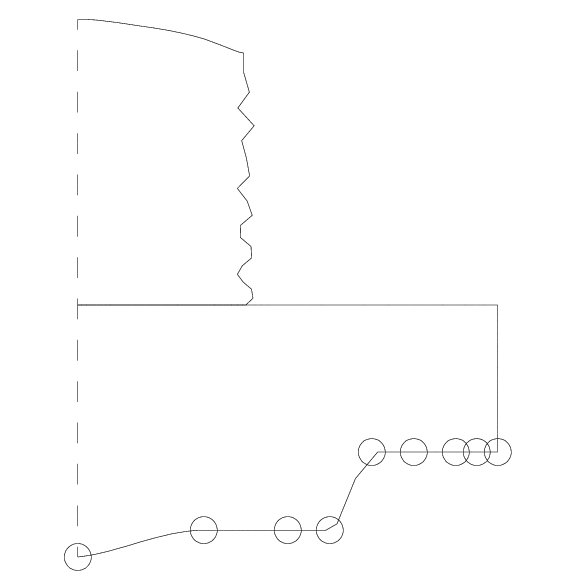
collaps2.ps;
-
collaps2.png, a PNG version;
-
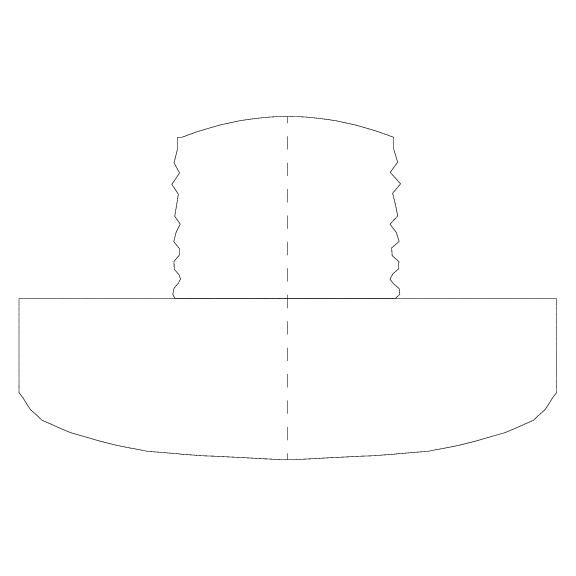
cregion.ps;
-
cregion.png, a PNG version;
-
frieze.ps;
-
frieze.png, a PNG version;
-
missed.ps;
-
missed.png, a PNG version;
-
pattern.ps;
-
pattern.png, a PNG version;
-
policy.ps, a two-page text file;
-
region.ps;
-
region.png, a PNG version;
-
steps.ps;
-
steps.png, a PNG version;
You can go up one level to
the DATA page.
Last revised on 20 April 2016.