PPMA Files
Portable Pixel Map (ASCII)
PPMA is a data directory which
contains examples of the ASCII version of the portable pixel map PPM format.
It is a simple RGB color image description. The definition is as follows:
-
the typical file extension is ".ppm", but an extension of
".pnm" is also occasionally used.
-
A "magic number" for identifying the file type. An ASCII
PPM file's magic number is the two characters "P3".
-
Whitespace (blanks, TABs, CRs, LFs).
-
A width, formatted as ASCII characters in decimal.
-
Whitespace.
-
A height, again in ASCII decimal.
-
Whitespace.
-
The maximum color-component value, again in ASCII decimal.
-
Whitespace.
-
Width * height pixels, each three ASCII decimal values between 0 and
the specified maximum value, starting at the top-left corner of the
pixmap, proceeding in normal English reading order. The three values
for each pixel represent red, green, and blue, respectively; a value
of 0 means that color is off, and the maximum value means that color
is maxed out.
Characters from a "#" to the next end-of-line are ignored (comments).
No line should be longer than 70 characters.
Example PPMA File:
        P3
        # feep.ppma
        4 4
        15
         0  0  0  0  0  0    0  0  0   15  0 15
         0  0  0  0 15  7    0  0  0    0  0  0
         0  0  0  0  0  0    0 15  7    0  0  0
        15  0 15  0  0  0    0  0  0    0  0  0
PPMA File Characteristics:
-
ASCII
-
RGB color
-
2D
-
No compression
-
1 image
Licensing:
The computer code and data files described and made available on this web page
are distributed under
the GNU LGPL license.
Related Data and Programs:
PBMA,
a data directory which
describes the ASCII Portable Bit Map format.
PGMA,
a data directory which
describes the ASCII Portable Gray Map format.
PPMB,
a data directory which
describes the binary Portable Pixel Map format.
Reference:
-
the NETPBM homepage.
Sample Files:
-
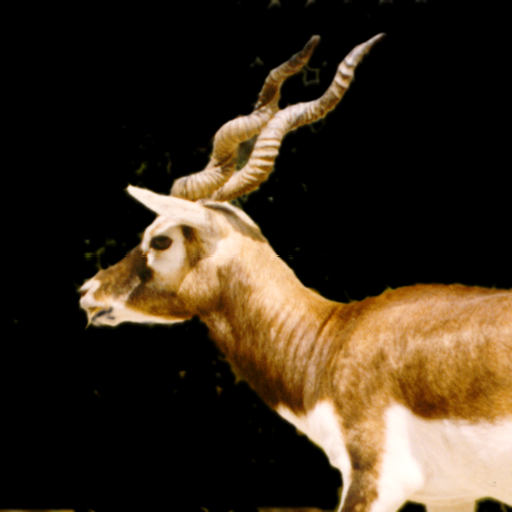
blackbuck.ascii.ppm, a picture of a buck.
-
blackbuck.png,
a PNG image.
-
feep.ascii.ppm, a simple example.
-
feep.png,
a PNG image.
-
pbmlib.ascii.ppm.
-
pbmlib.png,
a PNG image.
-
sines.ascii.ppm,
a kind of bar plot of sine functions, created by
BAR_PLOT.
-
sines.png,
a PNG image.
-
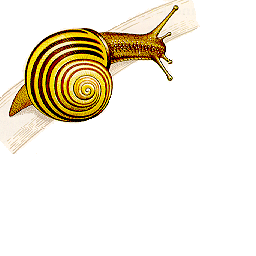
snail.ascii.ppm,
a picture of a snail.
-
snail.png,
a PNG image.
-
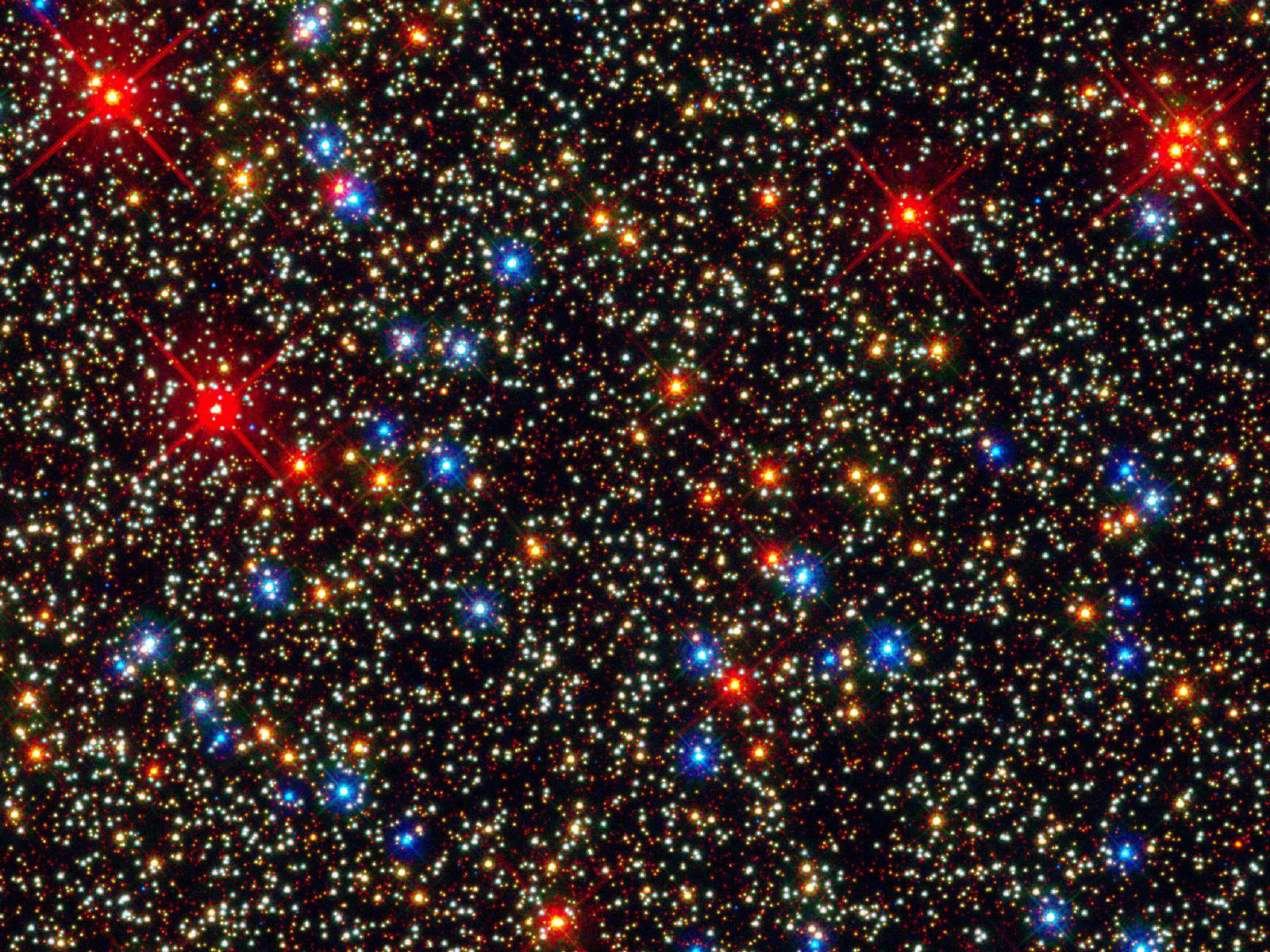
star_field.ascii.ppm,
an astronomical image of many stars.
-
star_field.png,
a PNG image.
You can go up one level to
the DATA page.
Last revised on 22 July 2011.